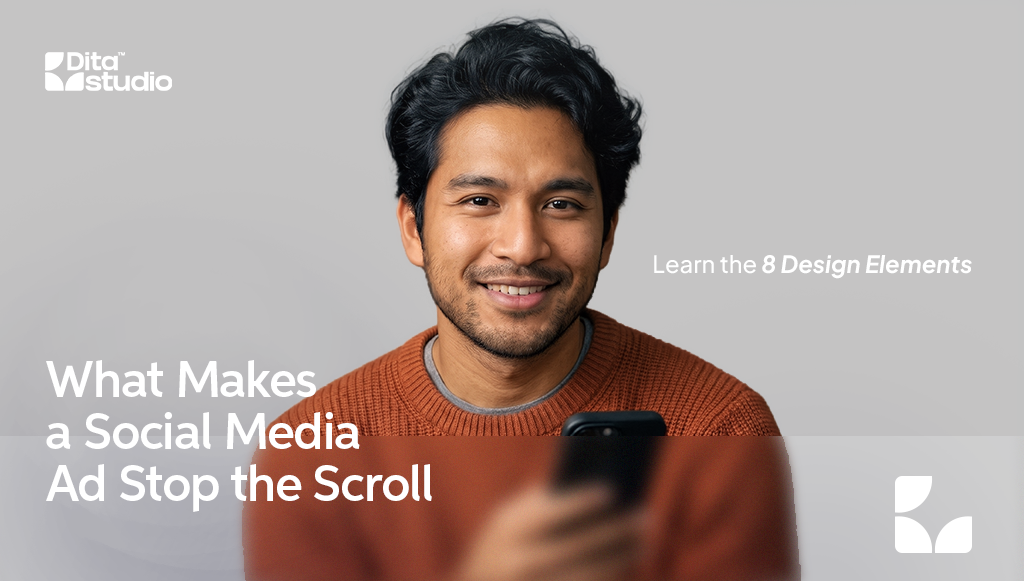
A social media ad design stops the scroll when it has one clear focal point, strong contrast, very little text, real faces, movement in the first second, a mobile-first format, recognisable branding and a clear call to action. Together, these elements help your ad grab attention in the feed and give people a reason to act.
People scroll through their feeds fast, and your ad has only a moment to earn a second look. At Dita Studio, we design ad visuals for businesses across many industries, and the creatives that perform best almost always follow the same principles. Here is what they are and how to apply them to your next campaign.
1. One Clear Focal Point
The most common reason an ad gets ignored is that it tries to say too much. When a design includes several products, multiple offers, icons and paragraphs of text, the eye does not know where to look, so it keeps scrolling.
How to apply it: Choose one main element, such as your product, a person or a bold headline, and make it the hero of the design. Everything else should support it, not compete with it.
2. Strong Contrast That Stands Out in the Feed
Your ad sits between friends’ photos, videos and other brands’ posts. If your colours blend into the background of the app or look similar to everything around them, your ad becomes easy to miss.
How to apply it: Use contrasting colours between the background, subject and text. Bright, bold colours can work well, but so can clean, minimal designs with plenty of white space. The goal is to look different from what surrounds your ad, not just to look loud.
3. Short, Readable Text
Most people see your ad on a small phone screen, often for less than a second. Long sentences, small fonts and text placed over busy images are hard to read and easy to skip.
How to apply it: Keep the text on the image to a short headline of a few words and let the ad caption carry the details. Use a clear, bold font and make sure the text is still readable when you view the ad at actual size on your phone.
4. Real Faces and Real People
People are naturally drawn to faces, especially ones that show emotion or look directly at the camera. Real people using your product or service also make an ad feel more authentic than a generic stock image.
How to apply it: Feature your customers, team members or talent where it makes sense. Show expressions and real situations that your audience can relate to, such as someone enjoying the result of your service.
5. Movement in the First Second
Motion naturally catches the eye in a feed full of still images. Short videos, simple animations and subtle movement, such as text appearing or a product rotating, can make people stop long enough to take in your message.
How to apply it: Put your most interesting moment at the very start, not at the end. Many people watch with the sound off, so add captions or on-screen text that tells the story without audio. For video ads with a professional look, a green screen studio lets you place your talent in any setting without a location shoot.
6. Designed for Mobile First
An ad that looks great on a desktop monitor can feel small and cramped on a phone. Formats also matter. Square and horizontal images take up less screen space than vertical ones.
How to apply it: Use vertical formats where possible, such as 4:5 for feed posts and 9:16 for Stories and Reels. Keep important text and logos away from the edges, where app buttons and captions may cover them.
7. Recognisable Branding
Stopping the scroll is only useful if people remember who the ad was from. When your colours, fonts and style change with every campaign, audiences struggle to connect your ads to your brand.
How to apply it: Use your brand colours, fonts and logo consistently, but keep the logo small and tidy rather than making it the main focus. Over time, people will start to recognise your ads before they even read them.
8. A Clear Call to Action
An eye-catching ad that does not tell people what to do next wastes the attention it earns. Vague messages leave viewers interested but unsure how to respond.
How to apply it: Use one specific action, such as “Book a Free Consultation”, “Shop the Sale” or “WhatsApp Us Today”. Make sure the call to action matches the landing page or message people see after they click.
Common Ad Design Mistakes to Avoid
Even well-designed ads can underperform because of a few avoidable issues:
- Using low-quality or stretched images that make the brand look careless
- Copying the same design across every platform without adjusting the size and format
- Hiding the offer at the bottom of the image or in small text
- Running the same creative for too long, which leads to “ad fatigue” as people stop noticing it
- Testing only one version, which makes it hard to know what actually works
Frequently Asked Questions
1. What size should a social media ad be?
For most feed placements on Facebook and Instagram, a vertical 4:5 ratio works well, while Stories and Reels use 9:16. Square 1:1 images are a safe option when one design needs to work across several placements.
2. Should I use images or video for social media ads?
Both can work. Images are quicker to produce and test, while short videos often hold attention longer. Many businesses run both formats and let the results show which one performs better for their audience.
3. How often should I change my ad design?
Refresh your ad creative when you see results dropping, such as a lower click-through rate or a higher cost per result. Testing two or three versions at a time also helps you find winning designs faster.
Need Ad Designs That Get Noticed?
Great ad design combines strategy, creativity and regular testing. If you need a steady flow of fresh, on-brand ad visuals, our graphic design services can help. For help planning and running your campaigns, explore our social media management services, or contact our team to discuss your next campaign.